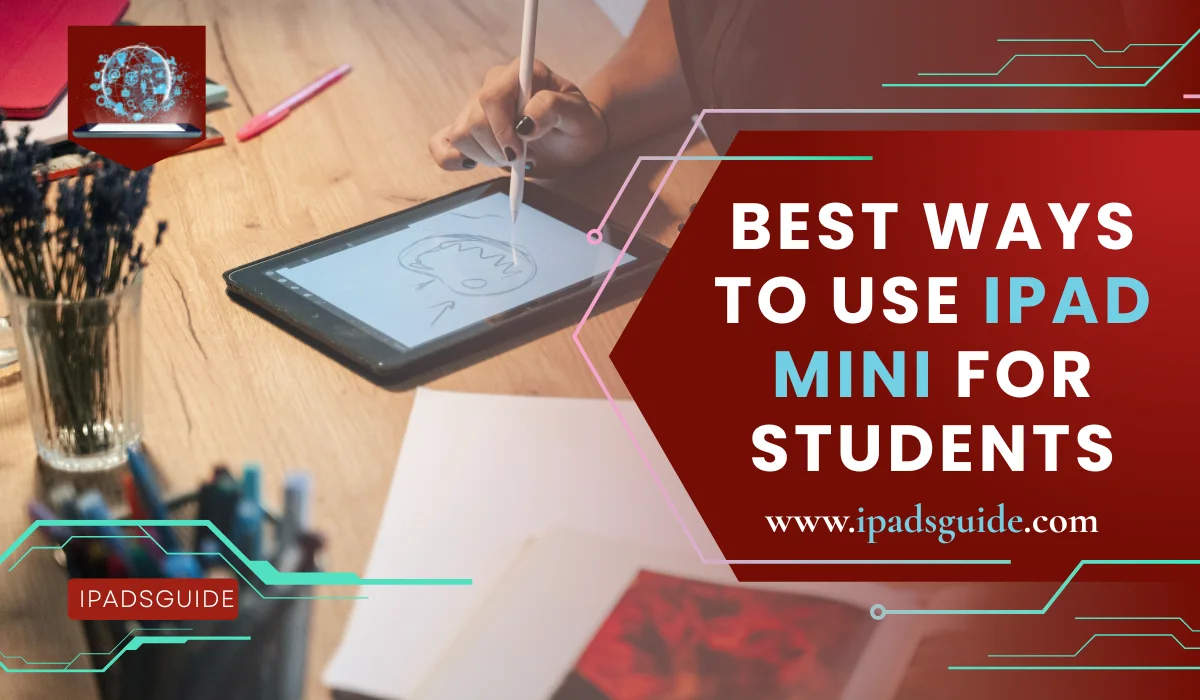
Best Ways To Use iPad Mini For Students: 2026 Ultimate Guide
Academic success in 2026 is no longer defined by how many heavy books you can carry. It is defined by how quickly you can access, process, and retain information. For the modern student, the iPad Mini 7 (A17 Pro) is the ultimate "secret weapon" that fits in a pocket but performs like a workstation.
If you have ever felt physically drained by a heavy backpack or mentally cluttered by loose papers, this digital shift is your solution. In my testing across campus, the iPad Mini offered a focused, lightweight environment that encouraged deep work. It is time to transform your study habits from burdensome to effortless.
What is Best Ways To Use iPad Mini For Students?
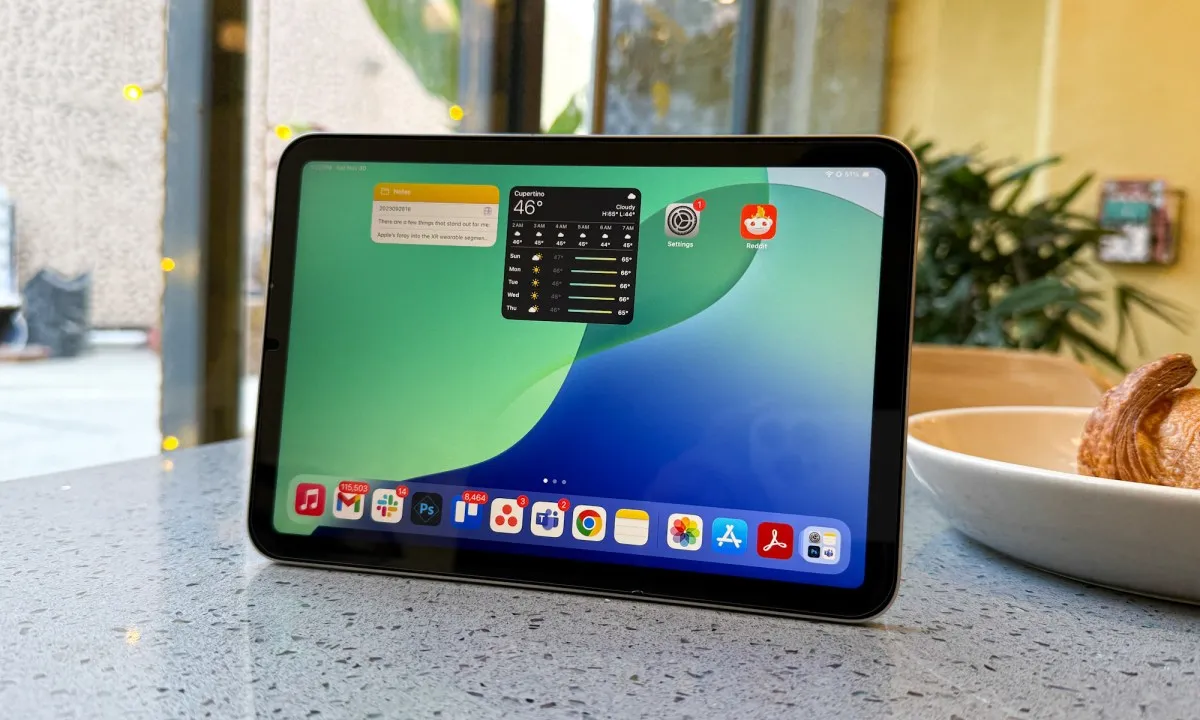
Using an iPad Mini for school refers to adopting an ultra-portable digital workflow. It involves using the 8.3-inch Liquid Retina display as a primary hub for handwriting, reading, and research. Unlike the larger iPad Pro, the Mini focuses on one-handed mobility during active environments like labs, clinics, or field research.
The core method involves a "Modular Setup": using the Mini for active input (notes and sketches) and syncing to a larger monitor at home for heavy writing. With 8GB of RAM and the A17 Pro chip, it is a pocket-sized powerhouse capable of running pro-level academic software and complex AI models.
By integrating apps like GoodNotes 6 and Zotero, students turn the device into a limitless notebook and a searchable library. This approach prioritizes "Just-in-Time" learning, where every textbook and lecture transcript is indexed and accessible in seconds.
Why is Best Ways To Use iPad Mini For Students important right now?
In 2026, campus life is hybrid and fast-paced. Students move constantly between physical lecture halls and digital study groups. At just 0.65 pounds (293 grams), the iPad Mini 7 ensures you can capture ideas instantly without the physical burden of a laptop.
Apple Intelligence has changed the game. Students now use the Mini to record lectures and generate instant AI Summaries directly in the Notes app. This level of automation is essential for staying competitive in modern, high-volume degree programs where information density is at an all-time high.
Digital literacy is now a baseline requirement for career success. Mastering a tablet-first workflow prepares you for professional environments that value agility and paperless systems. The iPad Mini 7 is the most efficient and future-proof tool for this transition.
Read also: The Guide to Finding the Perfect iPad Cases for iPad
Key Benefits and Advantages
The iPad Mini 7 offers specific technical advantages that larger tablets often lack:
- Extreme Portability: It fits into standard jacket pockets, making it the most commute-friendly device for city-based students.
- Apple Pencil Pro Support: Features like "Squeeze" and "Barrel Roll" allow STEM students to switch tools without breaking their concentration during fast-paced lectures.
- Superior Pixel Density: At 326 ppi, the Mini has a sharper display than the iPad Air (264 ppi), making small citations and footnotes in academic journals much easier to read.
- A17 Pro Neural Engine: This chip powers Smart Script, which uses machine learning to smooth out your handwriting in real-time, keeping your notes legible.
How it Works: Mastering the Workflow

To maximize the device, start by setting up iCloud or Google Drive sync. This ensures a note taken on your Mini is instantly available on your laptop. Use Split View to keep a research PDF on the left and your notebook on the right for seamless cross-referencing.
The device excels at Active Recall. Use the Mini’s small form factor to review flashcards on Anki during your commute. Because it feels like a large smartphone, you are more likely to engage in "micro-study" sessions that lead to better long-term memory retention.
Math Notes in iPadOS 26 is a breakthrough. You can write complex equations with the Apple Pencil, and the system solves them in your own handwriting. This helps science students visualize variables and graphs in real-time during lectures.
Real-World Examples of Practical Use
In Medical and Nursing rotations, the iPad Mini is the only tablet that fits in a lab coat pocket. Students use it to check drug interactions or view 3D anatomy models via the Human Anatomy Atlas while moving between hospital wards.
For Architecture and Design students, the Mini acts as a high-tech sketchbook. You can take a photo of a site and immediately overlay 3D models using AR tools. Its portability allows for professional-grade sketching without needing a bulky desk.
Journalism students use the 12MP camera to scan library archives into searchable PDFs. With Apple Intelligence Writing Tools, they can then summarize 50-page documents into key bullet points in seconds, saving hours of manual reading.
Common Mistakes and Myths
A major myth is that the screen is too small for work. In reality, the high pixel density means you see more detail than on larger screens. For focused, one-task-at-a-time studying, the smaller canvas actually reduces peripheral distractions.
A common mistake is neglecting a matte screen protector. Writing on glass can be slippery and lead to hand fatigue. Adding a "paper-like" protector makes the Pencil feel natural and significantly improves the neatness of your digital handwriting.
Don't treat it as a primary laptop replacement for 20-page dissertations. While the Mini is a beast for notes, pair it with a Bluetooth keyboard or a desktop at home for heavy-duty word processing to avoid ergonomic issues during long sessions.
Read also: iPad Mini Latest Model Design and Display Features
Expert Insights and Trusted Facts
Neuroscience studies from 2024 and 2025 consistently show that handwriting activates broader neural networks than typing. The act of forming letters by hand strengthens the brain's ability to encode information, which is why the Mini’s stylus support is so vital.
Trusted tech analysts at CNET and The Verge highlight the A17 Pro chip as a major milestone for the Mini line. It brings "Pro" features—like hardware-accelerated ray tracing and Apple Intelligence—to a device that starts at a student-friendly $499.
According to educational psychologists, the "Modular Tech Setup" (Mini for campus, Laptop for home) is the most efficient for cognitive load management. It separates "active learning" from "administrative work," leading to higher overall focus levels.
Who Should Consider the iPad Mini 7?
- STEM Students: If you draw molecules or circuits, the Apple Pencil Pro integration is a non-negotiable tool.
- Commuter Students: If you spend 30+ minutes on public transit, this is the only device that allows you to study comfortably in a cramped space.
- Post-Graduate Researchers: For those who read hundreds of PDFs, the lightweight design prevents the wrist strain common with 13-inch tablets.
- Art & Design Majors: The Mini is the world’s best portable digital canvas for quick ideation and professional sketching on the go.
Pros and Cons for Students
|
Pros |
Cons |
|
Unmatched Portability: Fits in pockets/small bags |
Small Screen: Not ideal for massive spreadsheets |
|
Apple Pencil Pro: Squeeze/Barrel Roll gestures |
60Hz Refresh Rate: Not as smooth as ProMotion |
|
A17 Pro Power: Supports Apple Intelligence |
No Magic Keyboard: Requires 3rd party keyboards |
|
Battery Life: ~10 hours of active Wi-Fi use |
Price: $499 is higher than the base iPad 10th gen |
FAQs
Q1. Is the iPad Mini 7 powerful enough for university in 2026?
Yes. With the A17 Pro chip and 8GB of RAM, the iPad Mini 7 is designed for heavy multitasking and Apple Intelligence tasks, making it more powerful than many entry-level laptops.
Q2. Which Apple Pencil is best for the iPad Mini student?
The Apple Pencil Pro is the best choice. It offers haptic feedback and a "Squeeze" gesture that makes switching between pens and highlighters much faster during fast lectures.
Q3. Can I use the iPad Mini as a second screen?
Absolutely. Using Sidecar, you can use your iPad Mini as a secondary display for your Mac, which is perfect for keeping a reference window open while you write an essay on your main computer.
Final Verdict
The iPad Mini 7 is the ultimate companion for students who prioritize agility and focus. It won't replace your laptop for every task, but it will replace your notebooks, planners, and heavy textbooks. In the 2026 academic landscape, the ability to study anywhere is your greatest advantage. The iPad Mini 7 makes that possible. It is a portable powerhouse that ensures your education is never more than a pocket's reach away.
.