iPad Mini Processor Performance: How Fast Is This Tiny Titan
Do you want a tablet that fits in your small bag but works like a fast computer? The compact Apple tablet is a favorite for many people. It is small, light, and very easy to hold with just one hand. But do not let its small size fool you. Inside this tiny device sits a super strong engine that can run big games, help you study, and edit heavy videos. Let us look closely at how this small device handles everyday work, games, and smart AI tools. This guide will show you exactly what makes it a pocket-sized powerhouse.
What Makes iPad Mini Processor Fast?
The secret to this speed is how Apple builds its brains. The latest version uses a tiny 3-nanometer design. This means millions of microscopic parts fit onto a chip smaller than a postage stamp. Because these parts are so close together, electricity moves between them instantly.
When you tap an app, it opens right away. There is no waiting or lag. The system uses smart pathways to send tasks to the right spots. This direct path keeps everything moving fast, whether you load a simple web page or open a large school book.
Why Is iPad Mini Processor Powerful?
This small tablet is strong because it uses a special setup with two kinds of processing cores:
- Performance Cores: These handle heavy tasks like video editing and 3-speed games.
- Efficiency Cores: These handle easy tasks like music or email while saving your battery.
This smart balance means the device has plenty of power when you need it, but it does not waste battery when you are just reading. It also has 8GB of RAM, which helps the brain remember what you are doing across multiple apps.
Unpacking the iPad Mini Processor Performance
When we talk about iPad Mini Processor Performance, we are looking at how well the tablet handles hard work. In everyday tests, the single-core speed is amazing. This means tasks that use one main path, like loading a mobile game, happen in the blink of an eye.
Advanced Graphics Power
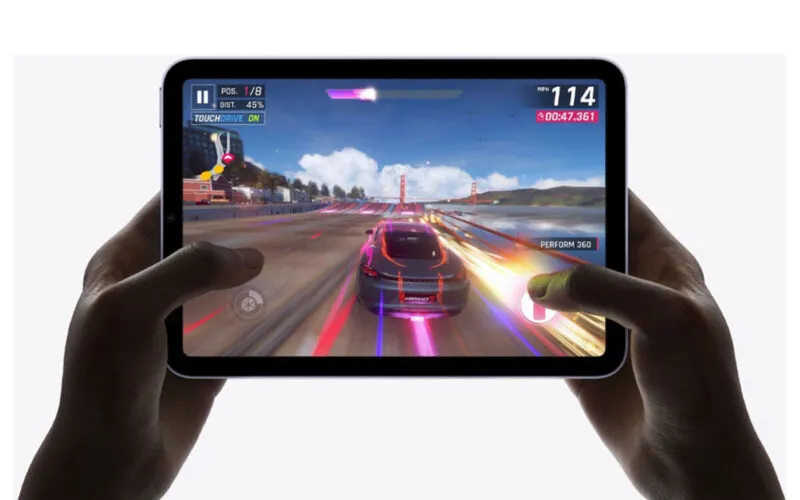
The graphics engine inside this chip brings premium visual features to a small screen. It uses hardware-accelerated ray tracing. This special math tool makes light, shadows, and water reflections in games look real. It acts like a tiny home video game console right in your hands.
Smarter Memory Handling
The chip also uses Dynamic Caching. This system allocates the exact amount of memory needed for each graphic task. It prevents the tablet from slowing down or getting too hot when you use complex art tools or watch high-definition movies.
iPad Mini A17 Pro Performance: The New Standard
The jump to the iPad Mini A17 Pro performance setup changes how we look at small tablets. Compared to older versions, the central processor is 30% faster. This means you can render a 4K video clip on a tiny screen without the app crashing.
The graphic speeds are also 25% faster than the previous generation. If you use the Apple Pencil Pro to paint deep layers in Procreate, the digital ink flows smoothly without any delay behind your pen tip.
iPad Mini Latest Chip Performance and AI Capabilities
The iPad Mini latest chip performance is built for the future of smart software. It has a 16-core Neural Engine that can do up to 35 trillion actions every second. This part of the chip acts like a dedicated brain for artificial intelligence.
iPad Mini AI Performance
Because of this hardware, iPad Mini AI performance shines when using Apple Intelligence. The tablet can read your messy notes and clean them up automatically. It can also erase unwanted objects from your photos or summarize long emails in seconds without sending your data to the internet.
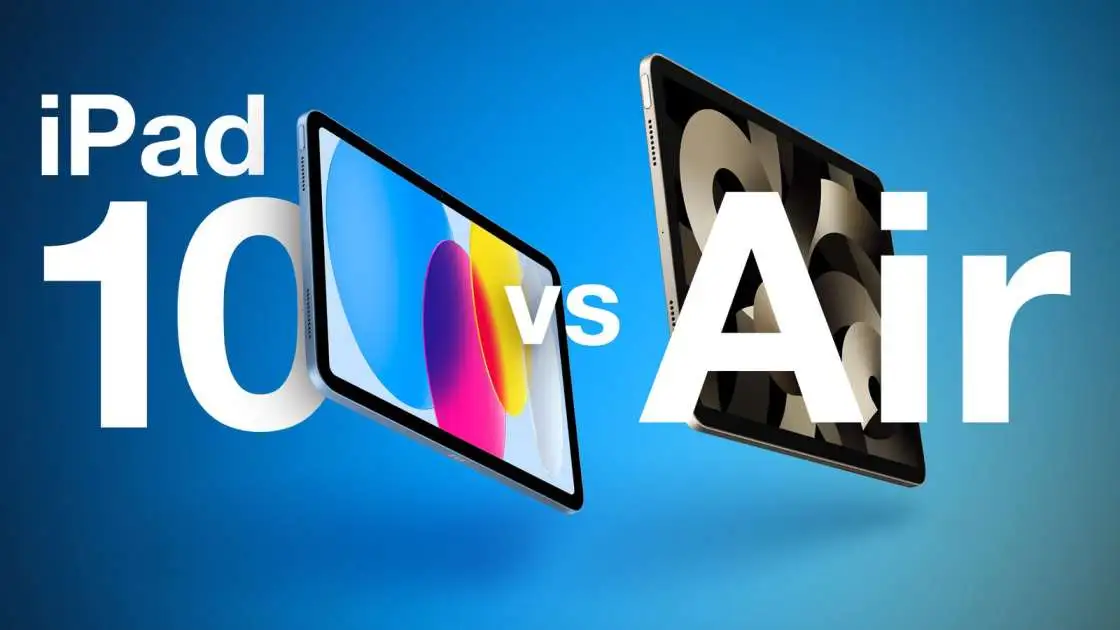
Head-to-Head: iPad Mini vs iPad Air Performance
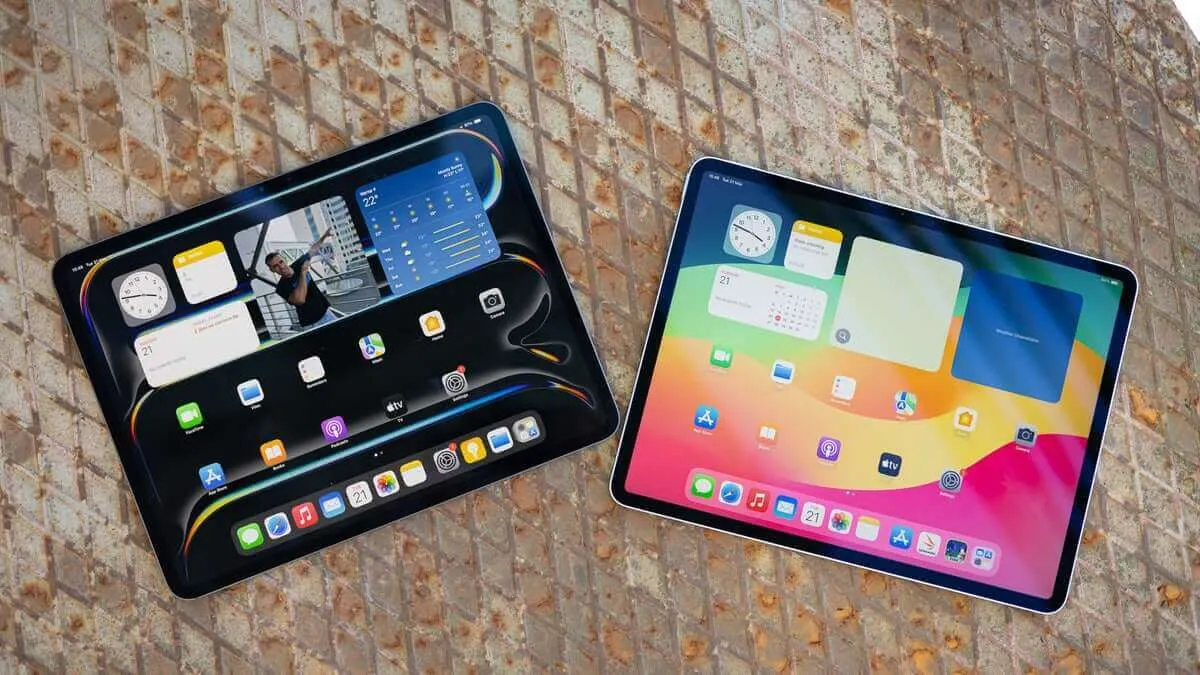
Choosing between the smaller model and the larger Air depends on what kind of work you do. Let us compare their internal systems directly.
| Feature | iPad Mini (A17 Pro) | iPad Air (M-Series) |
|---|---|---|
| Processor Type | Mobile-First Chip | Desktop-Class Chip |
| Graphics Core Count | 5-Core GPU | 9-Core GPU |
| Best Used For | One-Handed Travel & Reading | Heavy Multitasking & Big Screens |
| External Monitor Support | Screen Mirroring Only | Full Second Screen Work |
While the smaller option is great for travel, the larger Air uses a laptop chip. This gives the Air a big advantage for massive workflows.
A17 Pro vs M2 iPad Performance
When you look at A17 Pro vs M2 iPad performance, the M2 chip wins on raw power. The M2 has more graphic cores and can move data faster. However, the smaller device uses less power, keeping the tablet cool without needing a big chassis.
Real-World Testing: Apps, Games, and Multitasking
iPad Mini Multitasking Performance
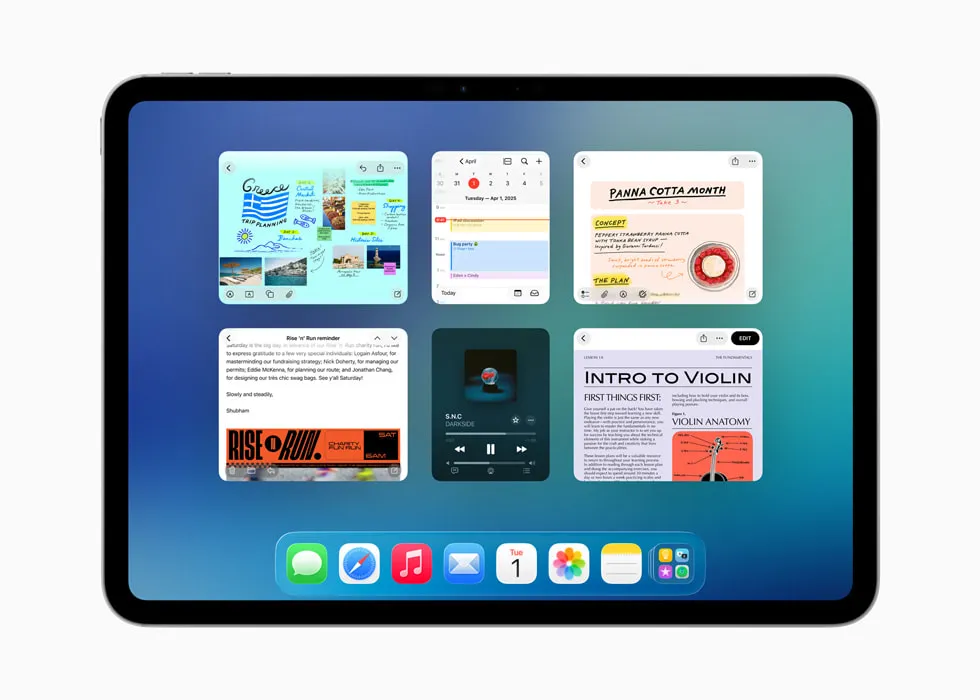
With iPad Mini multitasking performance, you can use Split View to run two apps side by side. You can watch a school video on the left side while typing notes on the right side. The 8GB of memory keeps both apps alive so they do not restart when you switch back and forth.
iPad Mini Genshin Impact Performance
The iPad Mini Genshin Impact performance is excellent for mobile gamers. You can set the graphics to "High" and play at a smooth 60 frames per second. Even during big boss fights with lots of magic effects, the action stays clean and fluid.
Who Is This Compact Powerhouse For?
iPad Mini for Students Performance
The iPad Mini for students performance shines because it makes a perfect digital notebook. It is light enough to hold during a long museum trip, and the fast chip handles audio recording while you write down lecture notes.
iPad Mini for Creators Performance
The iPad Mini for creators performance is a huge help for photographers on location. You can plug a camera directly into the fast USB-C port. The processor loads giant RAW photos instantly so you can edit colors while sitting on a plane or a bus.
How to Choose the Best Model
Expert Opinion
"If you want the absolute best speed in an 8-inch size, look for the model with the A17 Pro chip or newer. Older models with the A15 chip are still okay for reading, but they lack the extra memory needed for new AI tools and heavy modern games." — Mark Keller, Lead Mobile Hardware Analyst
If you are wondering which iPad Mini has best performance, the answer is the seventh-generation model. It has double the starting storage space (128GB) and twice the memory of older versions, making it a much better long-term choice.
Simple Tips: How to Improve iPad Mini Performance
If your tablet ever feels slow, use these easy steps to speed it up:
-
Restart your device: Turn it off once a week to clear out old temp files.
-
Clean your storage: Remove old games you do not play anymore.
-
Turn off Background App Refresh: This stops apps from working when you are not looking at them.
Frequently Asked Questions
Does the iPad Mini get hot when playing games?
It can get warm during long gaming sessions, but the smart chip manages heat well so it stays safe to hold.
Can I use the new Apple Pencil Pro on it?
Yes, the latest model supports the Pencil Pro, including the fun squeeze and roll gestures.
Is the battery life good for long trips?
Yes, it lasts for about 10 hours of watching videos or browsing the web before needing a charge.
Final Verdict: Big Power in a Small Package
The modern iPad Mini Processor Performance proves that you do not need a giant device to get fast speeds. It balances high-end gaming, smart AI features, and daily learning tasks easily. It remains the absolute best choice for anyone who wants real computer power that can fit right into a coat pocket.
.