iPad Display Technology Explained: Why Apple Screens Look Better
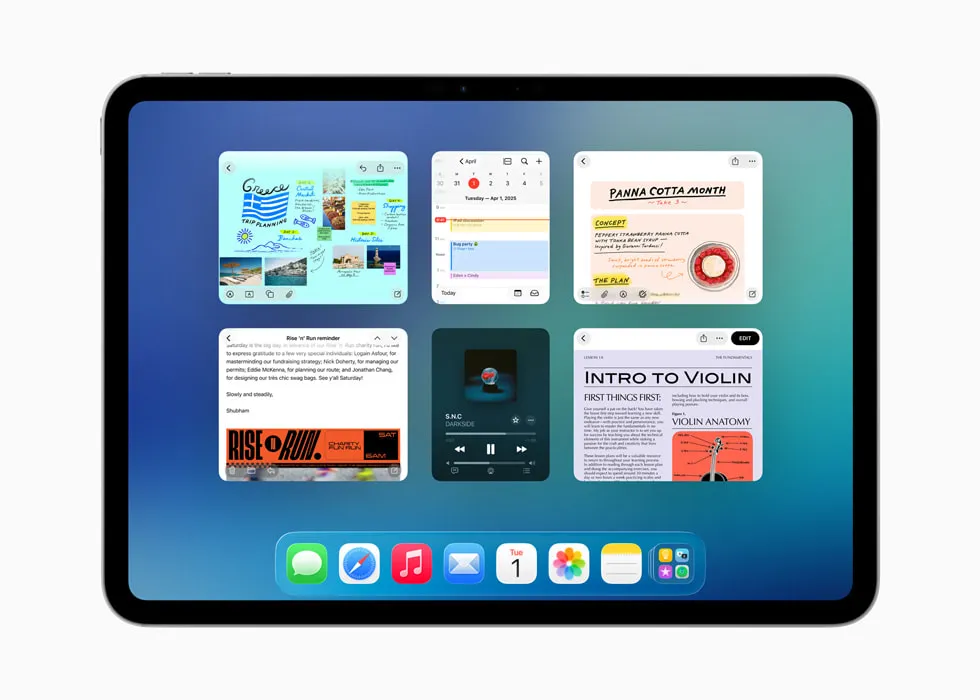
Have you ever wondered why looking at an iPad feels so magical? Whether you are watching a high-definition movie, drawing a masterpiece, or playing your favorite game, the screen always looks incredibly clear. This is all thanks to Apple's cutting-edge screen engineering. In this guide, we will dive deep into everything that happens under the glass with the iPad Display Technology Explained, breaking down the hidden features that make these screens beat other tablets.
From the crisp details of the classic Retina screen to the blinding brightness of the newest Tandem OLED panels, understanding how these devices show colors and motion will change the way you view your tablet. Let us look at the big screen secrets that make images pop right off the surface!
The Big Secrets Behind iPad Display Technology Explained
Every time you turn on your tablet, a lot of engineering magic happens under the glass. Apple does not just make standard screens. They create custom systems that blend bright lights, sharp colors, and smooth movement.
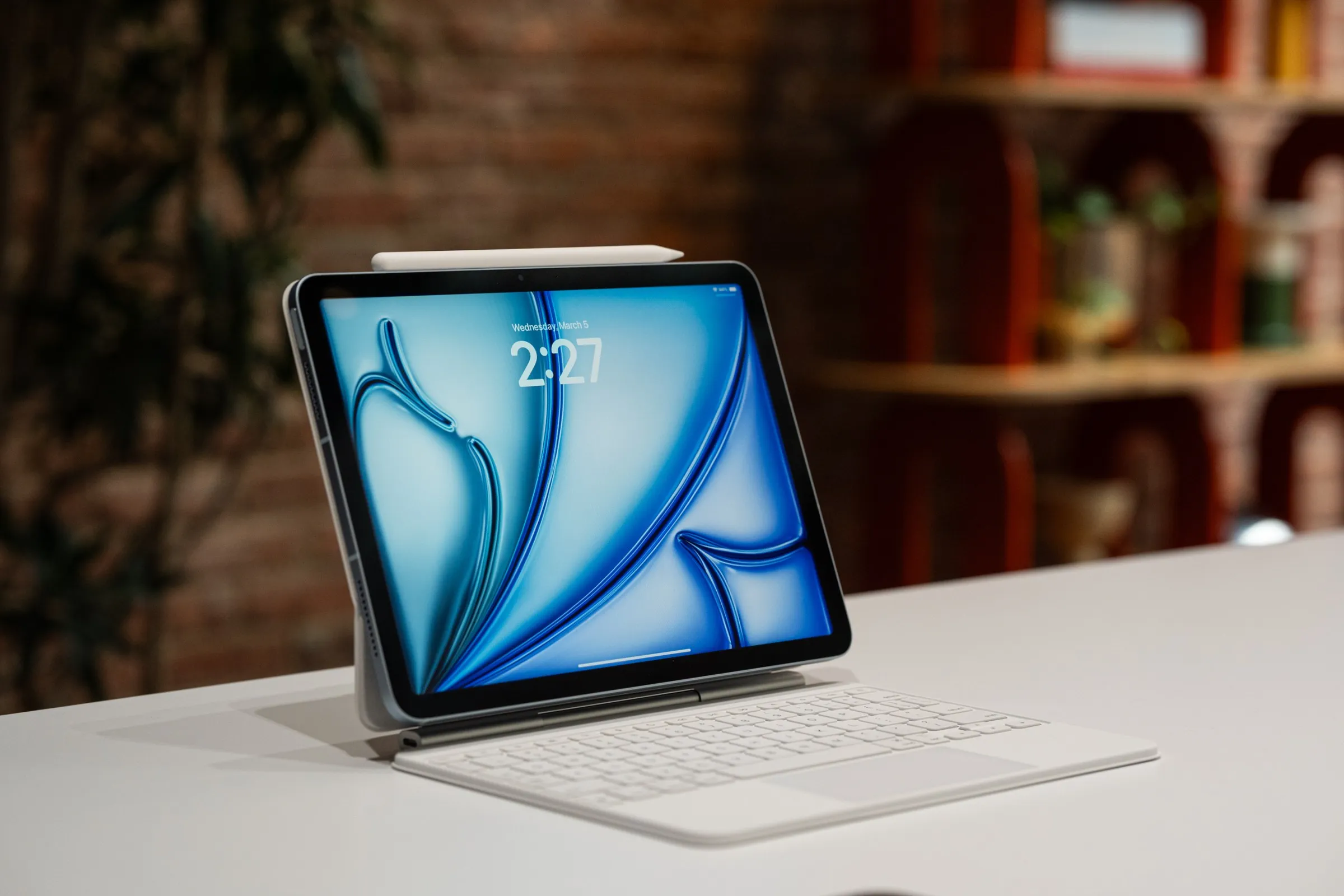
The core secret is pixel density. Apple packs millions of tiny colored dots close together. Because these dots are so small, human eyes cannot see them individually. This special design gives the screen its famous name: the Retina display.
What makes iPad screens look sharper?
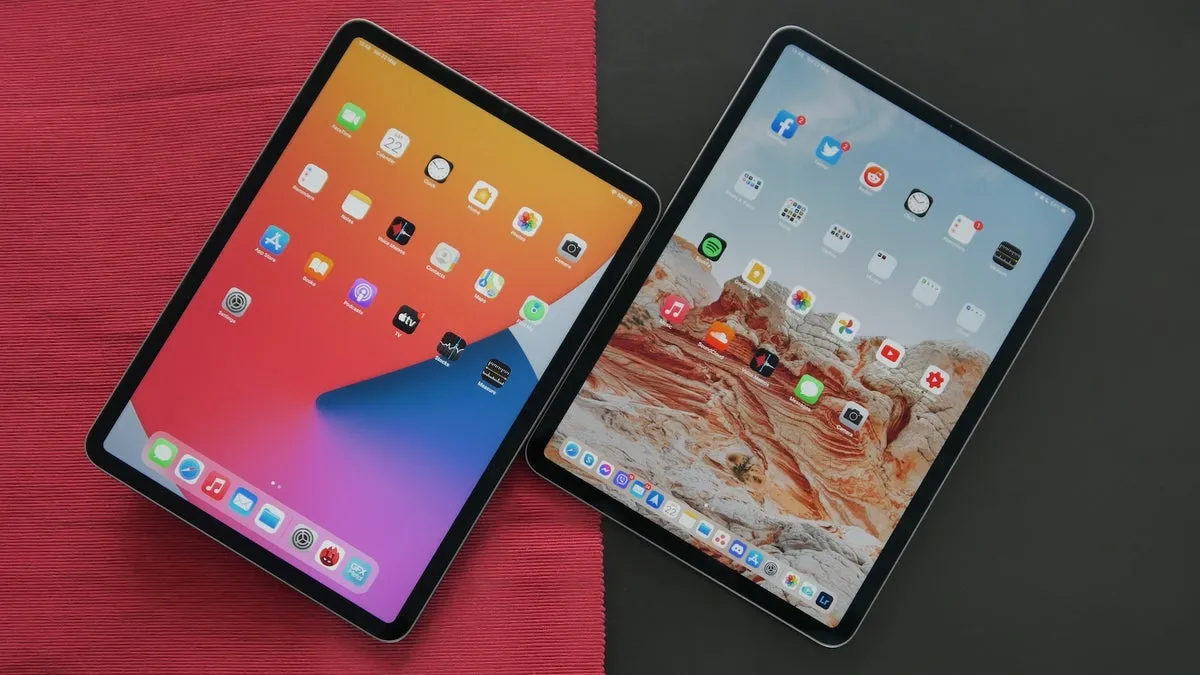
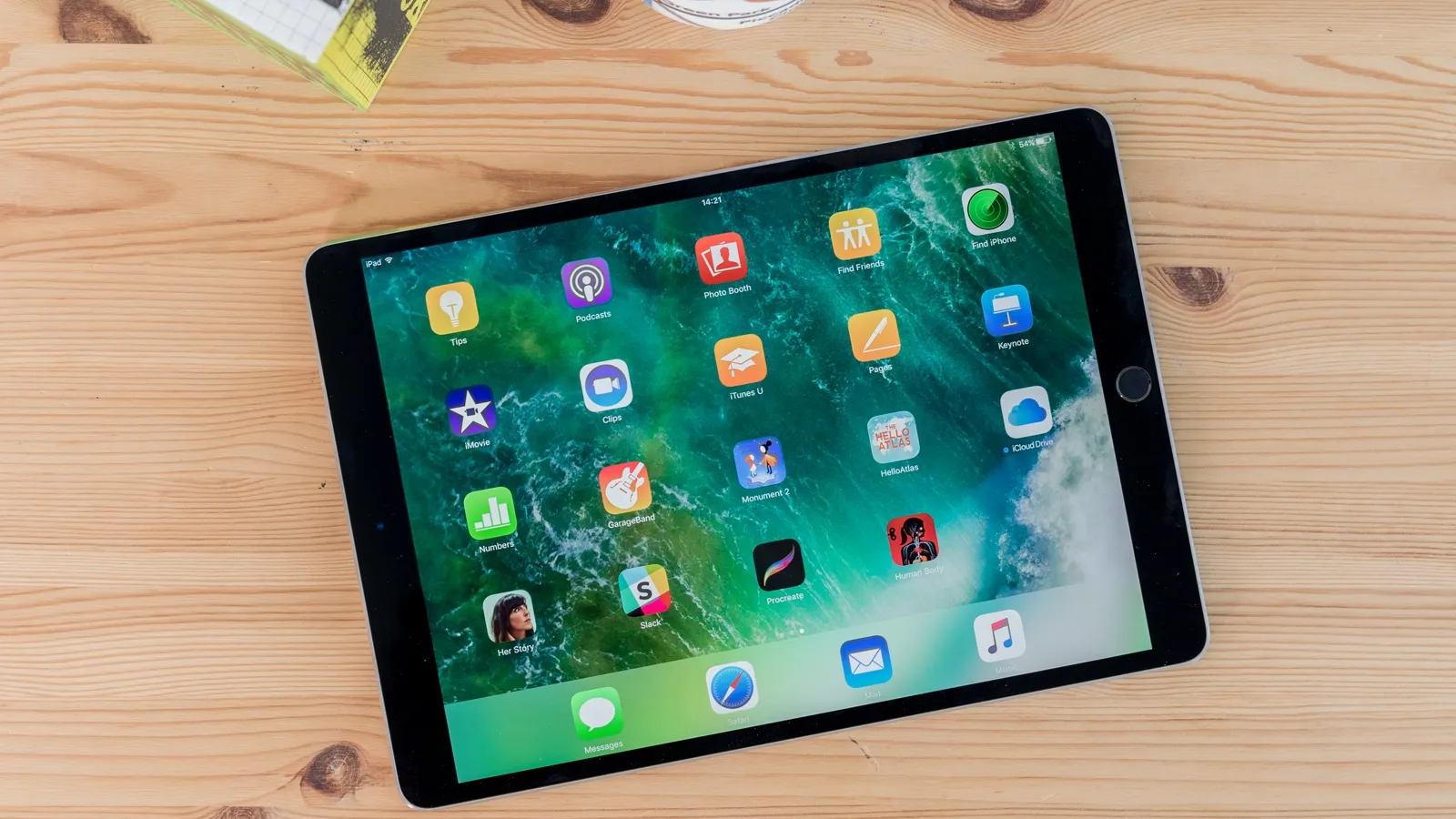
If you hold a regular tablet and an iPad side by side, you will notice a huge jump in clarity. The main reason what makes iPad screens look sharper is the high number of Pixels Per Inch (PPI). Apple designs every model with a PPI of around 264 or higher.
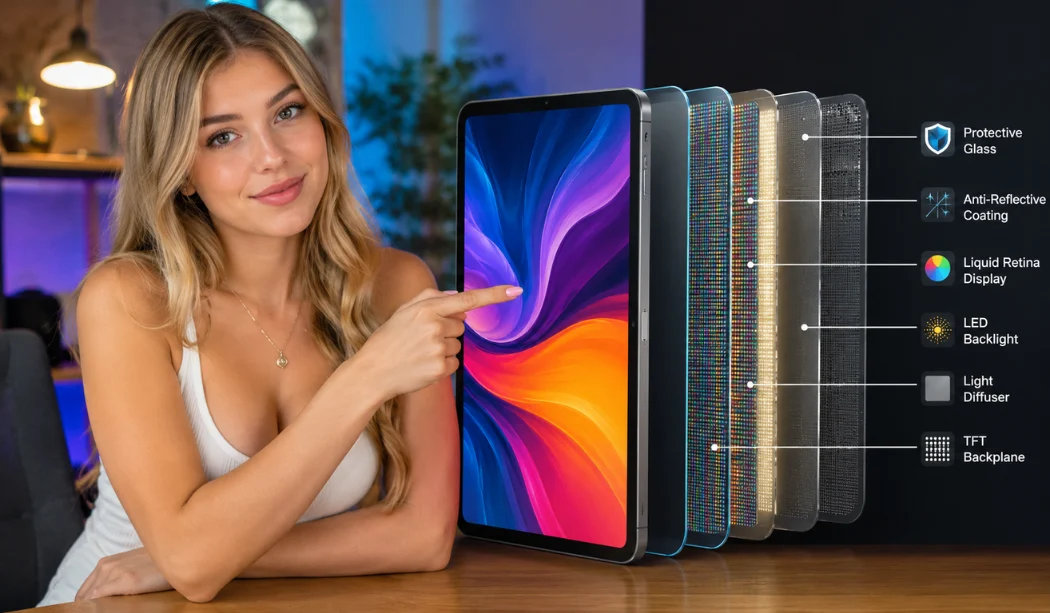
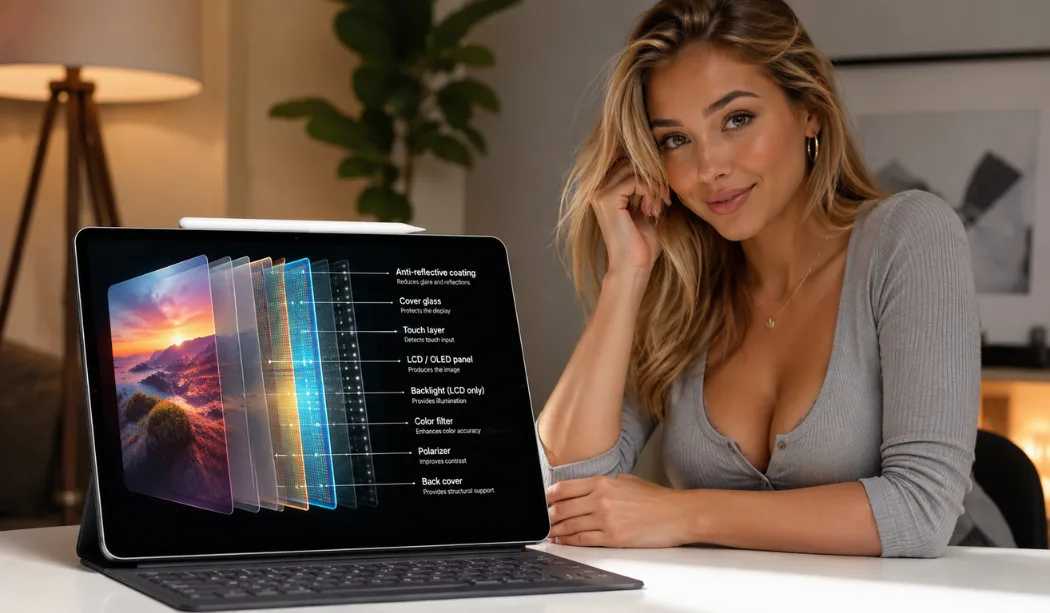
Additionally, the glass is special. Most models use a laminated screen. This means the touch layer, the glass, and the actual display are glued together without any air gaps. When you touch the glass, you are touching the pixels. This design cuts down on reflection and makes pictures pop right off the surface.
Why is the iPad display better than many tablets?
Many budget tablets use cheap LCD screens that bleed light from the edges. This causes dark movie scenes to look gray and washed out. So, why is the iPad display better than many tablets on the market? It comes down to premium color tuning and advanced backlighting.
Apple uses a system called True Tone. This feature uses hidden light sensors to read the color of the room you are sitting in. If you are under warm yellow lamps, the screen changes its tint to match. This stops eye strain and makes reading feel like real paper. Cheap tablets cannot do this.
Top 10 iPad Display Technology Explained
To truly understand your device, we need to break down the ten best features that make these screens amazing. Here is the top 10 iPad display technology explained simply:
- Retina Resolution: High pixel density that hides individual pixels from your eyes.
- True Tone: Automatic color matching that protects your eyes in different rooms.
- P3 Wide Color: A massive color range that shows realistic shades of green and red.
- Pro Motion: A smart system that changes how fast the screen redraws itself.
- Tandem OLED: Two bright screen layers stacked together for massive power.
- Mini-LED: Thousands of tiny backlights that offer precise control over dark zones.
- Anti-Reflective Coating: A special chemical layer that stops bright sun glare.
- Fully Laminated Glass: Zero air gaps under the screen for better contrast.
- 800+ Nits Brightness: Massive backlight power for easy outdoor viewing.
- Touch Rejection: Smart software that ignores your palm when drawing with a pencil.
How does Liquid Retina technology improve visuals?
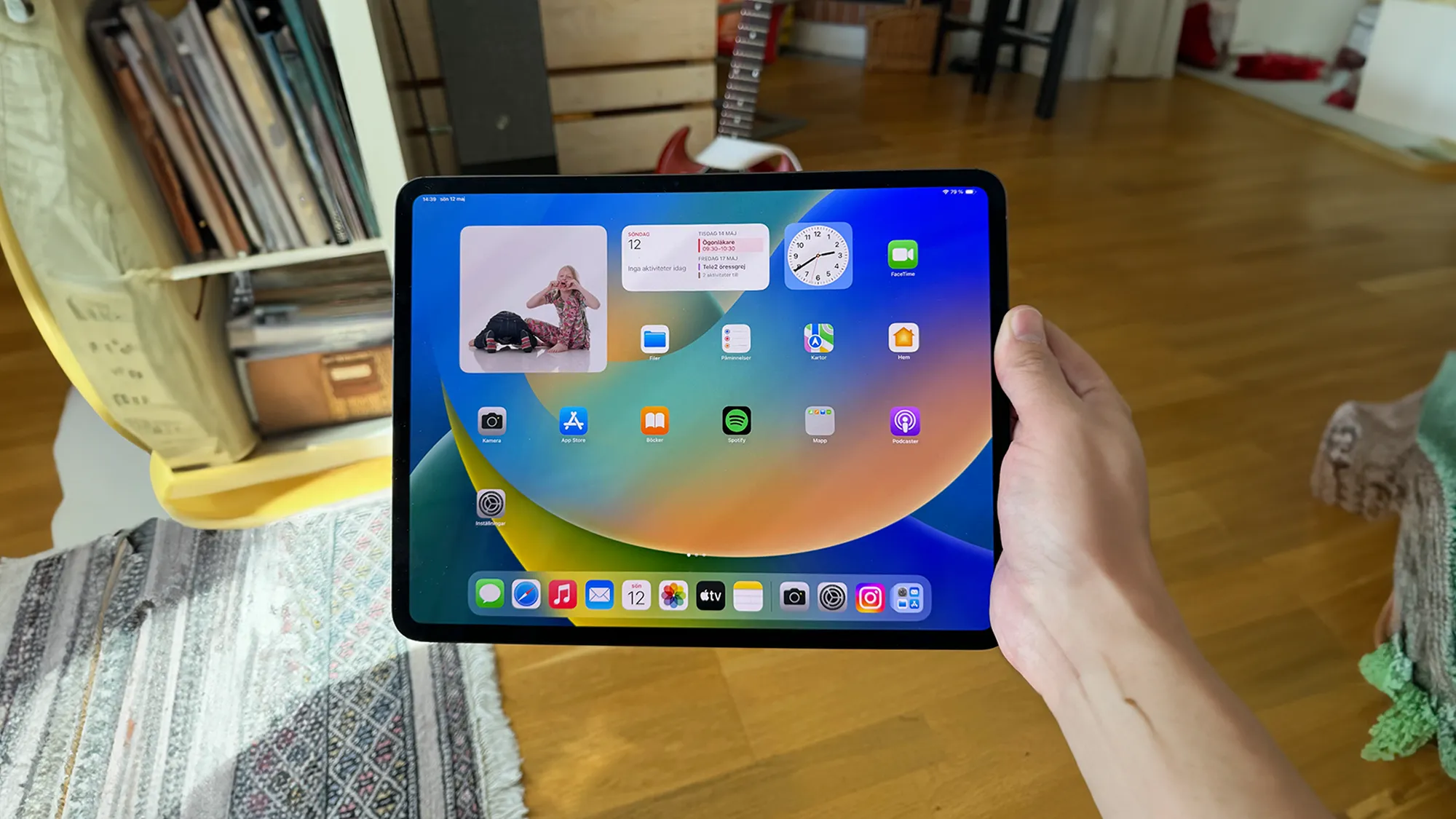
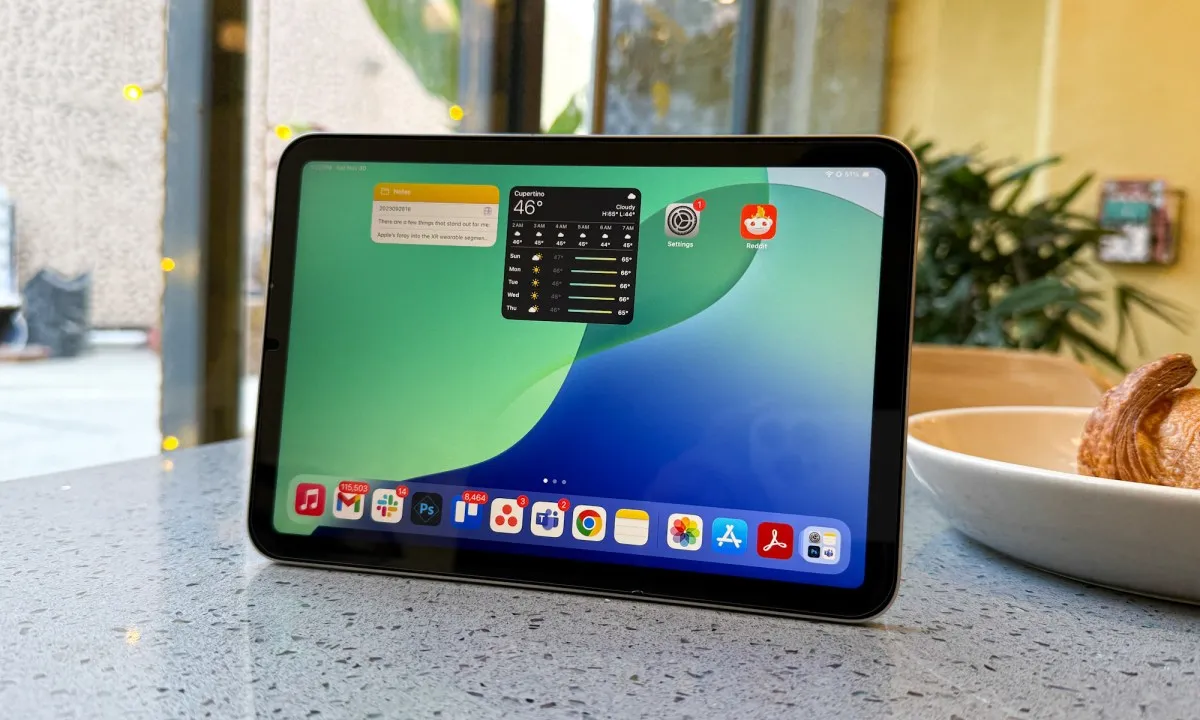
You will find the Liquid Retina name on the iPad Air and iPad Mini. But how does Liquid Retina technology improve visuals for daily users? This technology uses advanced sub-pixel smoothing to curve the corners of the LCD panel perfectly.
Market.com
Expert Insight: "Liquid Retina is the peak of classic LCD technology. By using advanced pixel masking and strong LED backlights, Apple achieves incredible color accuracy that rivals expensive studio monitors." — Tech Hardware Review Board
This technology offers a wide color gamut called P3. P3 displays show 25% more colors than standard screens. It makes reds more vibrant and greens look deeper.
Finding the Best iPad Display for Graphic Design
If you are an artist, choosing the right screen is critical. The best ipad display for graphic design is found on the iPad Pro series. Artists need perfect color accuracy so their prints match what they see on screen.
The fully laminated display on the Air and Pro models ensures that the Apple Pencil tip aligns perfectly with your digital ink. There is no lag or awkward gap. If you paint or design logos for a living, avoiding the base iPad model is wise since its non-laminated screen can cause minor glare issues for precision work.
Ultra Retina XDR display vs Liquid Retina display
When shopping for a new device, you will see two main premium screen types. Let us look at the Ultra Retina XDR display vs Liquid Retina display comparison to see which wins.
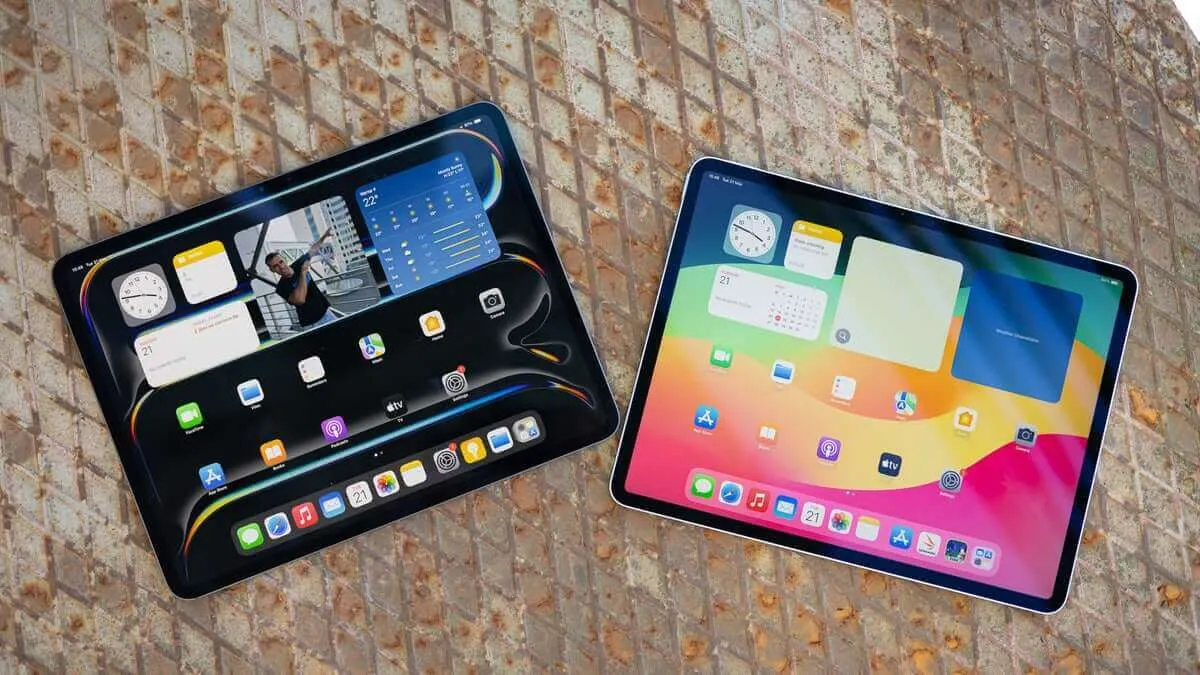
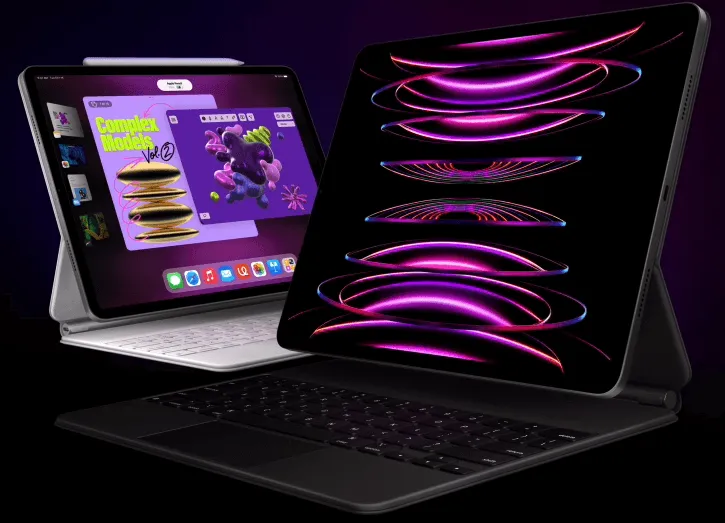
The Liquid Retina display uses a single, powerful LED backlight panel behind the liquid crystals. It is bright, beautiful, and very reliable. However, the Ultra Retina XDR display vs OLED conversation changes things completely. The Ultra Retina display uses Tandem OLED technology. Instead of one backlight, it uses two stacked OLED sheets. This gives you perfect blacks and blinding highlights that standard Liquid Retina screens cannot match.
Understanding the Difference Between iPad Display Types
Choosing a tablet can be confusing with so many terms. This quick difference between ipad display types chart shows you exactly what each model offers in 2026:
| iPad Model | Display Marketing Name | Panel Tech Type | Peak Brightness |
|---|---|---|---|
| Base iPad (11-inch) | Liquid Retina | Standard LCD | 500 nits |
| iPad Mini & iPad Air | Liquid Retina | Premium Laminated LCD | 500-600 nits |
| iPad Pro (M5/M4) | Ultra Retina XDR | Tandem OLED | 1600 nits (HDR) |
Performance Power: Refresh Rates and Brightness
A great screen is not just about pretty colors. It also needs to move fast and shine bright.
iPad display refresh rate explained
Have you ever noticed how smooth it feels to scroll on a premium phone? That is thanks to a high refresh rate. Here is the ipad display refresh rate explained: standard iPads refresh the image 60 times every second (60Hz).
The iPad Pro uses ProMotion technology. This allows the screen to scale all the way up to 120Hz. Everything looks twice as smooth. Even better, when you look at a still photo, ProMotion drops the speed down to 10Hz to save battery power.
iPad screen brightness comparison
Brightness is measured in units called nits. In a quick ipad screen brightness comparison, the base iPad and iPad Air hit around 500 to 600 nits of typical brightness. This is plenty for indoor classrooms or offices.
The Ultra Retina XDR screen on the iPad Pro hits a massive 1,000 nits for regular content and a peak of 1,600 nits for HDR videos. You can sit outside in direct summer sunlight and read your screen without squinting.
Best Uses: Gaming, Video Editing, and Buying Advice
Different users need different screen features. Let us look at how this tech helps you work and play.
iPad display technology for gaming
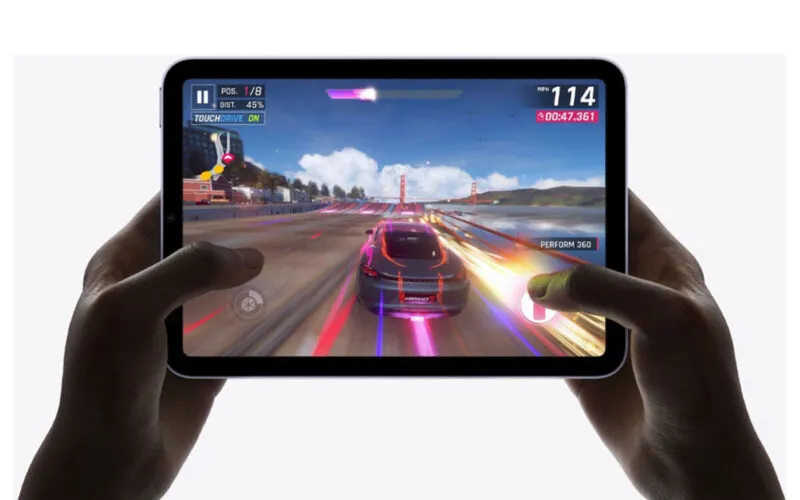
Gamers need fast response times. Utilizing ipad display technology for gaming means looking for ProMotion. The 120Hz speed gives you a competitive edge in fast-paced action games. Your inputs feel instant, and fast-moving targets will not look blurry on screen.
iPad display technology for video editing
For movie creators, the ipad display technology for video editing is a dream come true. The extreme contrast ratio of 2,000,000:1 on OLED models allows you to see every piece of shadow detail. You can color-grade high-definition footage on the go with full confidence.
Final Thoughts: iPad display buying guide 2026
To wrap things up, look at this simple ipad display technology benefits summary. If you want a great everyday media machine for school, the standard Liquid Retina screen on the base iPad or Air is perfect. But if you want deep blacks, extreme brightness, and smooth scrolling, save up for an Ultra Retina XDR model. Use this ipad display buying guide 2026 tip: match your screen choice to your daily workload!
Frequently Asked Questions
What is the main difference in an ipad display technology comparison?
The main difference is the light source. Cheaper models use an LCD backlight that stays on all the time. Premium models use OLED pixels that turn off individually for true darkness.
Does the iPad display use a lot of battery?
Yes, the screen is usually the biggest battery consumer. However, features like ProMotion help save power by slowing down the refresh speed when you are looking at a still page.
Can I fix a scratched iPad screen coating?
No, the anti-reflective coating is baked into the glass at the factory. It is always smart to use a high-quality glass screen protector to keep that premium coating safe from keys and coins.
.