Best iPad Air Security And Privacy Features to Protect Your Data
I remember when I first held an iPad Air. It felt super light, sleek, and magical. I could sketch, watch videos, and read stories anywhere. But as I started saving my personal photos, bank details, and school projects on it, I asked myself a big question: Is my data actually safe? This is where iPad Air security and privacy features come to the rescue. Whether you are ten years old playing educational games, a college student writing essays, or a busy professional working on the go, keeping your digital life locked down is super important. Cyber threats are real, but Apple builds powerful armor right into your device. In this guide, I will walk you through everything you need to know about iPad Air security and privacy features using simple words, fun examples, and expert tips. Let us dive right in!
What Are the Best iPad Air Security And Privacy Features?
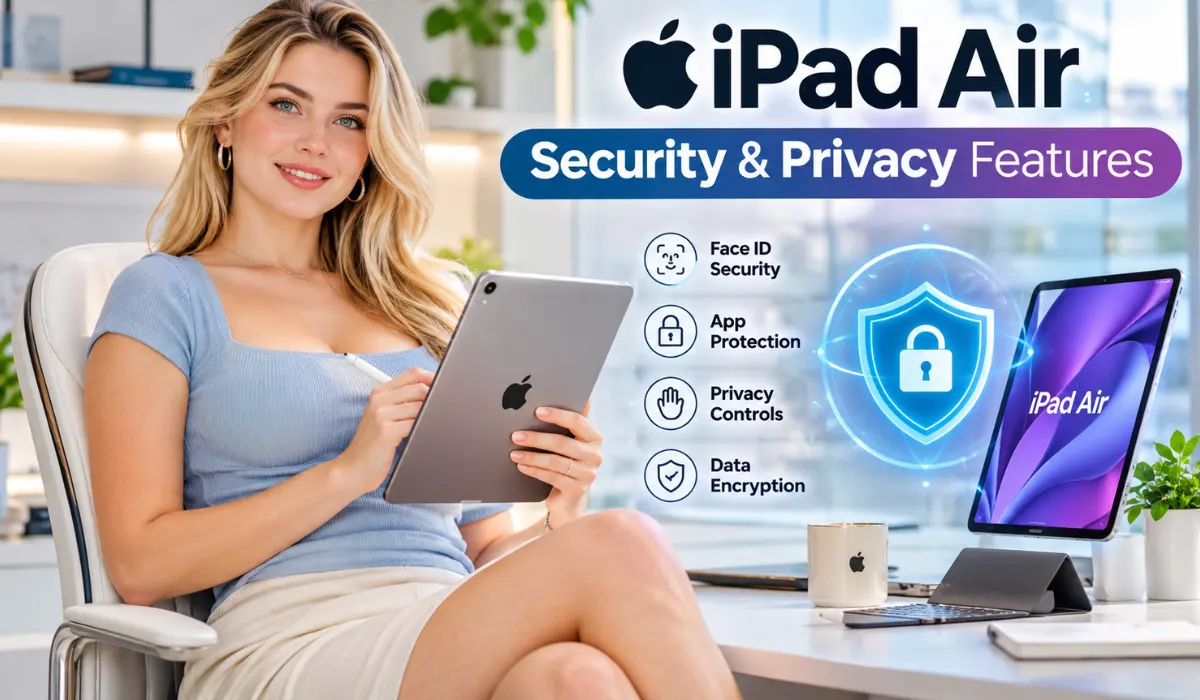
When we talk about the best iPad Air security and privacy features, we are looking at tools that guard your identity and lock out strangers. Your tablet comes with built-in armor that works quietly in the background. One major tool is biometric authentication. Depending on your specific model, your tablet uses Touch ID (your fingerprint) or Face ID (your face scan) to make sure only you can unlock the screen. Another fantastic option is iCloud Private Relay. When you surf the web using Safari, this feature hides your true internet address from websites and network providers. Nobody can snoop on what websites you visit!
- Touch ID & Face ID: Keeps your device locked using your unique body features.
- App Tracking Transparency: Asks apps for permission before letting them track your web habits.
- iCloud Keychain: Creates and stores super strong passwords so you never reuse an easy one.
Read Also: iPad Air Advanced Tablet Specifications: Everything You Need to Know
Why Are iPad Air Security And Privacy Features Important?

You might ask, "Why should I care about iPad Air security and privacy features if I have nothing to hide?" That is a fair question! Think of your tablet like your physical backpack. You would not leave your backpack wide open on a busy bus filled with strangers. Your digital backpack holds your passwords, private chats, and photos. Without proper settings, sketchy apps can quietly collect your location data or sell your habits to advertisers. Turning on iPad Air privacy features for daily use stops data leaks before they even start.
"People often underestimate how much valuable data sits on a casual family tablet. Protecting it is just like locking your front door at night." — Marcus Chen, Tech Ethics Analyst
Top 10 iPad Air Security And Privacy Features You Must Turn On Now
Ready to lock down your device? Let us look at the top ten tools you need to check right now.
- Passcode Lock: Set a strong six-digit passcode or a custom alphanumeric password to block physical intruders.
- Biometric Scans: Set up Touch ID or Face ID for fast, secure unlocking.
- App Tracking Control: Go to settings and block apps from tracking your online movement.
- Find My Network: Turn on location tracking so you can wipe or find your tablet if it gets lost.
- Hide My Email: Use random burner email addresses when signing up for new fun websites or games.
- Safari Private Browsing: Keep your search history hidden from other people who share your tablet.
- Two-Factor Authentication: Add a second security step to your Apple ID so hackers cannot log in even if they guess your password.
- Protect Mail Activity: Stop marketing companies from seeing when you open your emails.
- Lockdown Mode: A special extreme setting for high-risk users who need maximum armor against advanced cyber threats.
- Automatic Software Updates: Always keep your operating system fresh to patch bugs instantly.
How to Protect Personal Information on iPad Air
Protecting your personal info is super easy once you know where to tap on your screen. Start by checking your app permissions. Does a simple game really need to know your exact GPS location or access your photo library? Probably not! Go to your settings, tap on Privacy & Security, and review which apps have permission to check your microphone, camera, or contacts. Revoke access for any app that does not truly need it. Also, make sure you practice smart Apple ID password protection tips. Never share your password with friends, and always use unique passwords for different accounts.
Read Also: Top iPad Air Accessories For Professionals: Boost Your Productivity
Best Security Features Available on iPad Air for Safe Browsing

Surfing the internet should be fun and worry-free. When you use your tablet to watch videos, do homework, or shop online, bad actors sometimes try to steal your login info through fake websites. Using iPad Air security tips for safe internet browsing keeps you out of trouble. Safari features built-in fraud warnings that flag dangerous pages before they load. Combined with iPad Air wireless connectivity protection, your device encrypts your web traffic so that public Wi-Fi networks at coffee shops or airports cannot read your data packets.
Complete Guide to iPad Air Privacy Protection Settings
If you want a deeper dive into your device's controls, let us look at a complete guide to iPad Air privacy protection settings. Your settings app acts as your command center. By opening the Privacy tab, you get a clear report showing which apps requested your data over the past week.
- Location Services: Set location sharing to "While Using App" instead of "Always".
- Analytics Sharing: Turn off data sharing with Apple if you prefer complete device privacy.
- Photos Access: Limit photo apps to only see selected pictures rather than your entire library.
iPad Air Advanced Privacy Settings Guide and Expert Tweaks
For users who want to push their security to the next level, exploring iPad Air advanced privacy settings guide options brings great results. You can turn on Advanced Data Protection for iCloud. This applies end-to-end encryption to your cloud backups, meaning nobody—not even Apple—can read your stored notes, device backups, or photos. If you travel a lot or work in public spaces, turning on these advanced encryption tools ensures your digital footprint stays completely locked down.
Read Also: iPad Air For Professionals: Ultimate M4 Setup
iPad Air Security Features for Business Users and Professionals

Professionals love using tablets for work tasks, presentations, and checking emails on the go. Because work documents often contain sensitive company secrets, iPad Air privacy protection for professionals is a top priority. Using iPad Air security features for business users, companies can manage remote wipe tools, enforce strong corporate passcodes, and isolate work apps from personal games. This setup, known as mobile device management, guarantees that if a work tablet gets left behind in a taxi, company secrets remain safe behind hardware-level encryption.
Frequently Asked Questions About iPad Air Security And Privacy Features
Do I need to buy third-party antivirus apps for my tablet?
No, you do not need traditional antivirus apps. iPadOS uses a strict sandbox architecture where apps run in isolated spaces, preventing them from messing with other apps or the core system files. Keeping your software updated is your best defense.
How do I know if an app is tracking my data?
You can check your privacy report in the settings app under Privacy & Security. It displays a complete list of which apps accessed your camera, microphone, or location recently.
What happens if my tablet is stolen?
If you enabled the Find My feature, you can log into iCloud from another device, track its location on a map, put it in Lost Mode, or trigger a remote factory data wipe so your personal files never fall into the wrong hands.
Conclusion
Keeping your data safe does not have to be confusing or stressful. By exploring iPad Air security and privacy features, turning on biometrics, managing your app permissions, and using smart browsing habits, you create a fortress around your personal information. Take ten minutes today to check your settings, turn on these powerful protections, and enjoy using your tablet with total confidence!
.